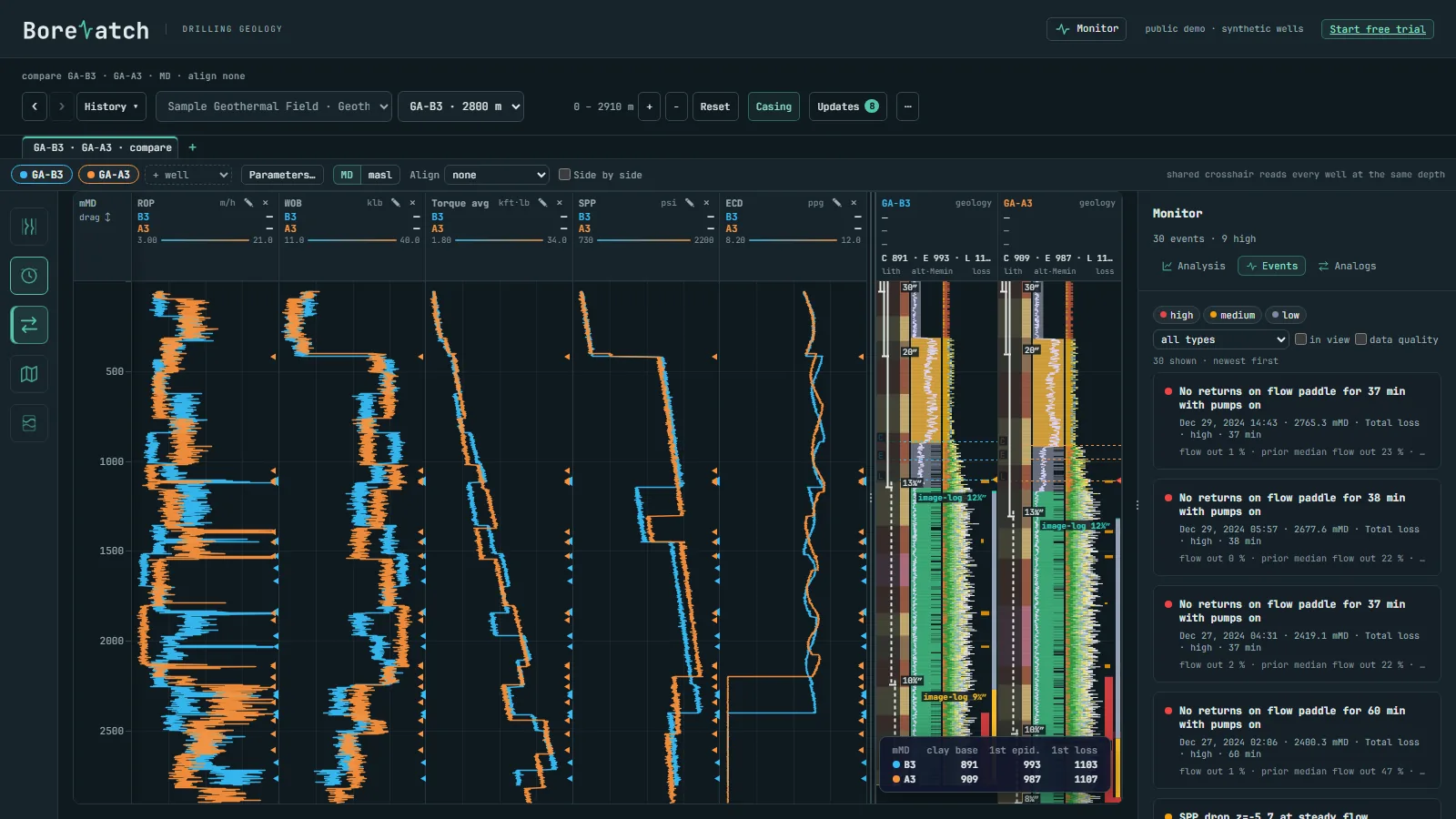
Clay cap and the first epidote
Alteration and mineral tracks beside the drilling response; compare wells aligned on the clay-cap base or the first epidote.
Volcanic rocks, hydrothermal alteration, total losses and hot returns. BoreWatch puts the mud log beside the geology so the wellsite geologist and the drilling engineer read the same well, while the hole is still open.
Free trial up to 6 months with your work email: 1 + 2 + 3 months, each step after a short feedback form. No card.
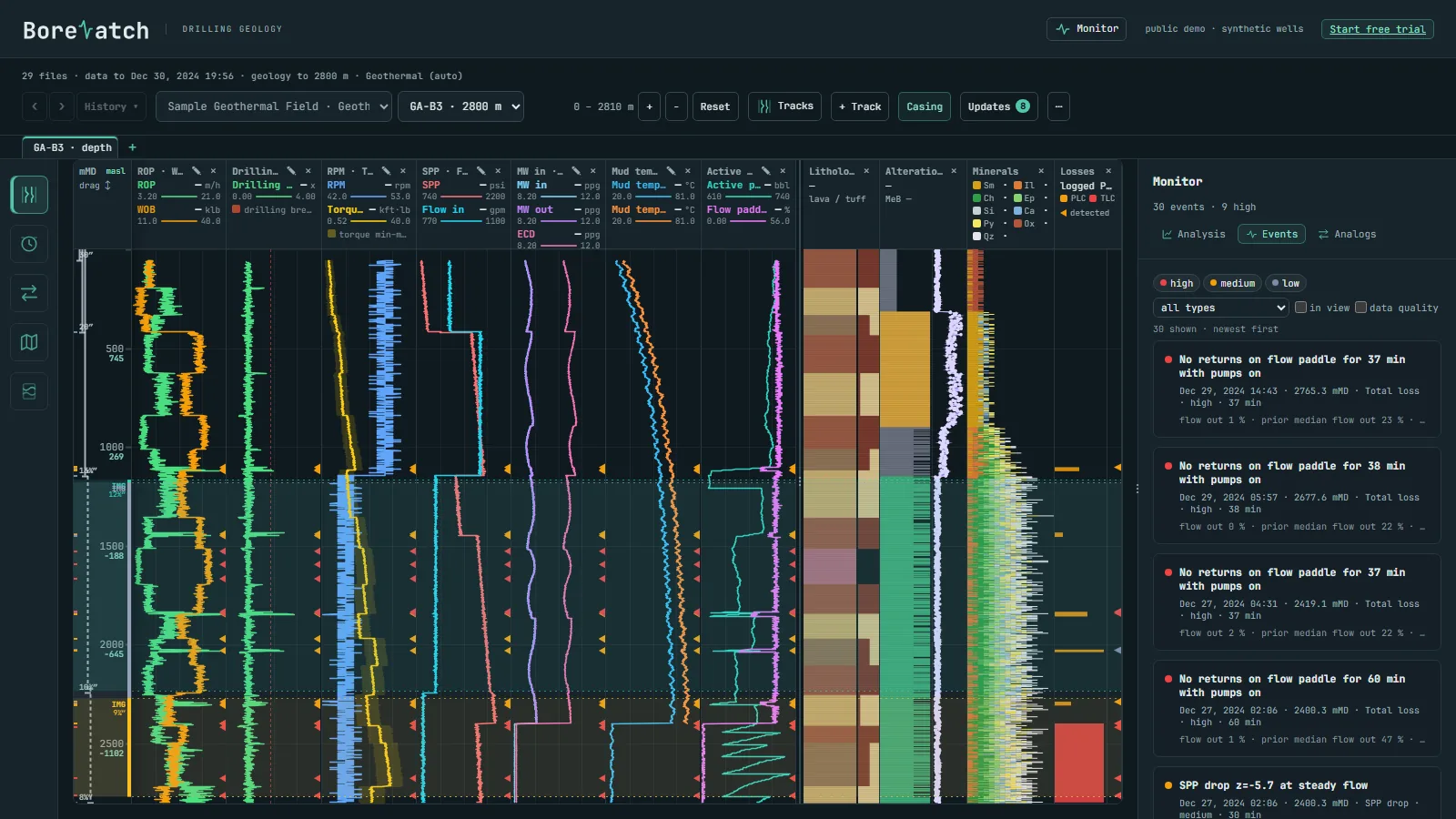
The local engine sorts the files by well, builds the tracks and flags the events as new data arrives.
Alteration and mineral tracks beside the drilling response; compare wells aligned on the clay-cap base or the first epidote.
Partial and total loss zones on every track, the offset wells that lost at the same level ranked and on the map.
Return temperature, its trend, and H2S / CO2 with the rock that produced them.
Drop them into one folder on the Windows computer that holds the data. Column names and units are recognised automatically; the engine works out the industry of each well from its own data.
After every update the engine writes the files your modelling and log software imports: Leapfrog well tables (lithology, alteration, minerals, losses, casing), PetraSim well files, feed-zone candidates from the loss zones, LAS and GeoJSON.
Only encrypted dashboard data is synced; we cannot read it.
How your data is protected →Sign-in details, license key and the installer arrive by email.
A synthetic geothermal field is included, so you see it working at once.
Drop your files into the folder; the dashboard fills in.